Custom QR Codes
You've probably seen QR codes that look like this:
with the familiar 3 large squares at the corners, and some seemingly random black and white squres in the middle.
You might have also seen QR codes with a bit of flair:
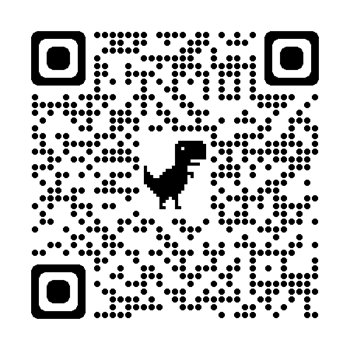
Companies often put their logo in a small section in the middle of a QR code.
This technique relies on the error-correction properties of QR codes. When you scan a QR code your phone does not know what to do with the company logo in the middle of the code -- to the computer this area is not valid data. It is thanks to the redundant data in the QR code that your phone is still able to figure out the correct website. That's why these logos haved to be small compared to the rest of the code: the area covered by the logo is lost data.
Is it possible to encode a graphic design in the actual data of the QR code?
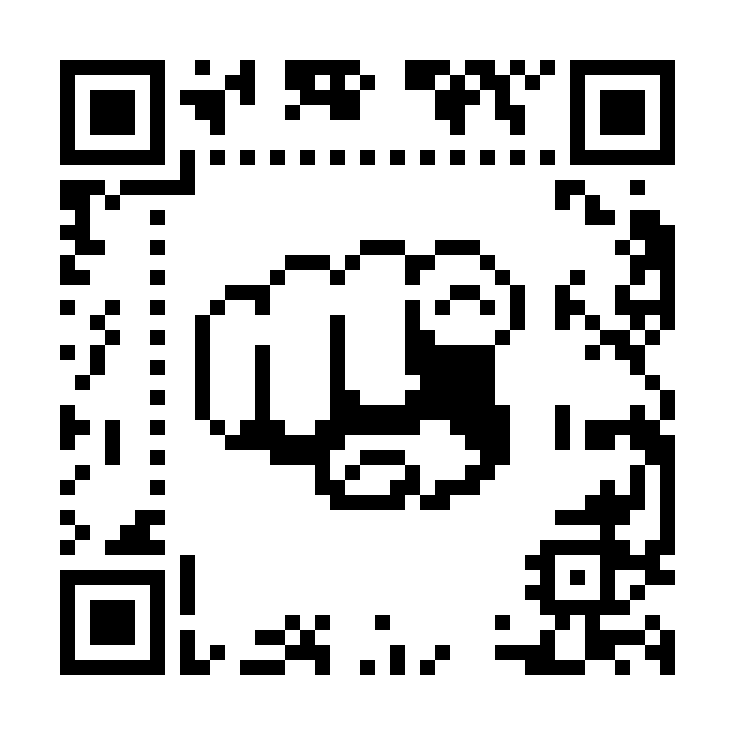
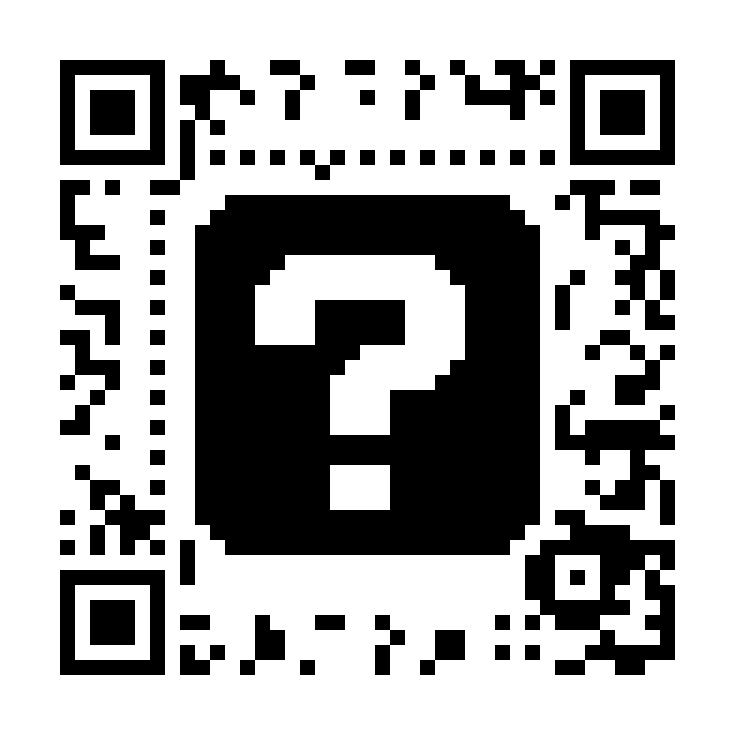
The answer is yes! After combing through the QR code specification I was able to create an app to do just that. Take a look here (only works on desktop though). The gist is that one can choose which parts of the QR code are the redundant data necessary for error correction. In the rest of the image, you can pick what the final color of that pixel will be and the program will calculate what value of data is needed to make that the case.
Technical Notes
Understanding the QR code specification involved more math than anything else, specifically Reed-Solomon encoding and Galois field arithmetic. I made some initial prototypes using Python, and once I was sure that my ideas were correct I vibe coded the webapp with HTML/CSS/Javascript and Claude Code.Prior Art
(pun intended)
The techniques used here are not new. Over a decade ago, Russ Cox used the same ideas to embed images in QR codes. That work was a big help in understanding the mathematics involved. My project differs in that the user has pixel-level control of the image, whereas Cox's program attempts to fit an input image into the QR code.